The parliamentary tracker that can never leave my house
By Stephen Kearney
We build rapid MVPs. It’s on the website as Rapid MVP & Custom Software Development: take the tool a business has wanted for years, pin down the brief and the constraints, and turn it into working software in a couple of weeks rather than a couple of quarters. In July we ran that exact process on ourselves. On a Saturday morning I started building something I’d wanted for a long time, and by Sunday night it was running on my home network, updating itself on a schedule. It’s been quietly doing that ever since, and it taught me more about building software quickly than any client project this year.
More on the build below. First, the part that matters if your ideas list is longer than your dev budget.
If you have the ideas but not the build
Most of the business owners I talk to aren’t short of ideas. They have an entrepreneurial streak and a running list: the spreadsheet that should have been an app years ago, the report that takes a day every month and should assemble itself, the information scattered across five systems that ought to live in one place. What they’re short of is a way to execute. Building any of it used to mean a months-long quote with a project manager attached, and no sensible owner bets that much on a hunch.
That’s the part that has changed. A self-updating system with a decent interface is now a well-run couple of weeks, sometimes less. The catch is that the cheap part is the code. The brief, the constraints, the phasing and the verification still have to be done properly, and that’s where most rapid AI builds fall over.
So rather than tell you the process works, let me show you. Here’s a great example of what we created for ourselves, because we had exactly this kind of itch: an idea we’d wanted for years, no commercial case, no client waiting on it. Just proof of how far a weekend goes now.
Why build it at all
If you’ve ever tried to follow what parliament actually does (not what gets said on the news, but what gets voted on), you’ll know the information is technically public and practically invisible. Bills live on one site, amendments on another, division records on a third, and none of it comes with an explanation a normal person would read. The votes themselves, the divisions where every member’s position is recorded, get almost no coverage at all.
I wanted one place that remembered everything, noticed changes, and explained them in plain English. So I built it. It’s called Stuart. (Naming things is hard. Naming things after a mild-mannered public servant felt right.)
What Stuart is now
Two weeks and 141 commits later, here’s what’s sitting in a single SQLite database on my machine:
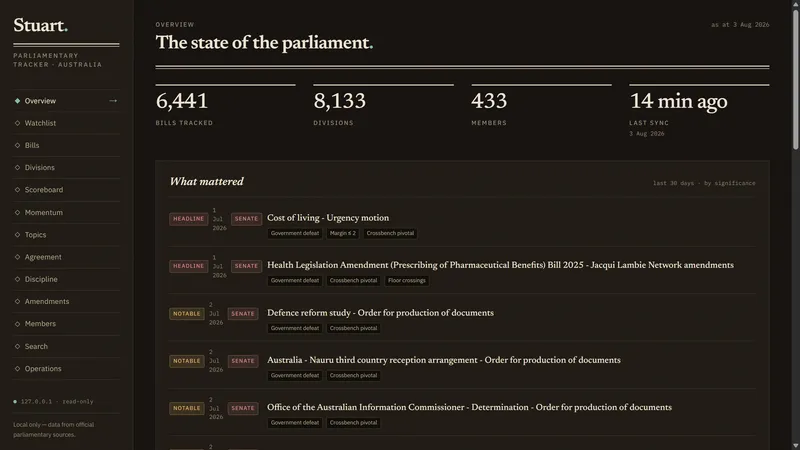
- 6,441 federal bills with their full status history
- 8,133 divisions, containing 613,383 individual member votes back to 2012
- 13,715 Acts going back to 1901, linked by 8,561 amendment relationships, so a bill’s page can show “became Act X, later amended by Y”
- 6,542 amendments with their outcomes
- 2,846 plain-English summaries written by Claude, at an average cost of about 12 cents each
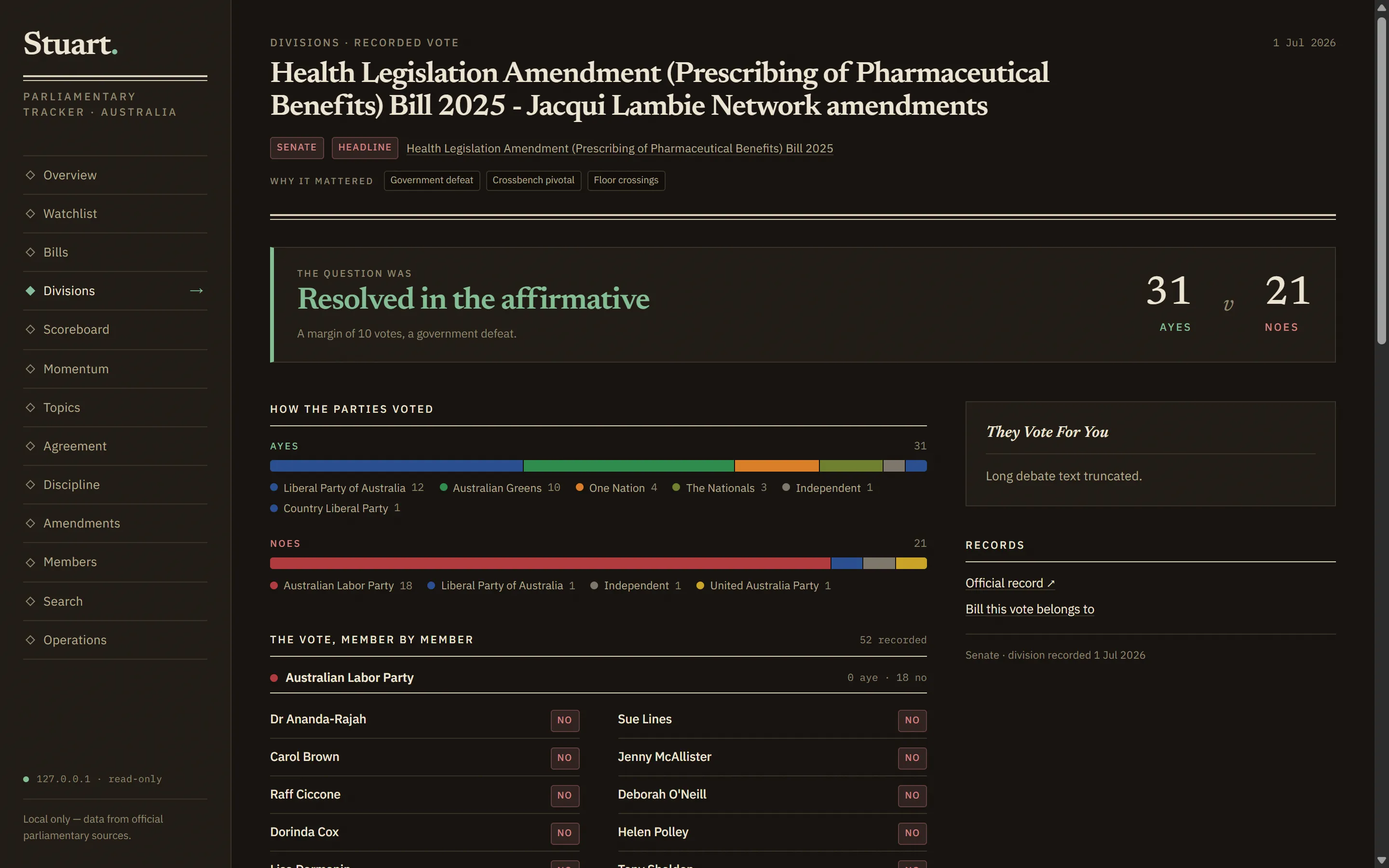
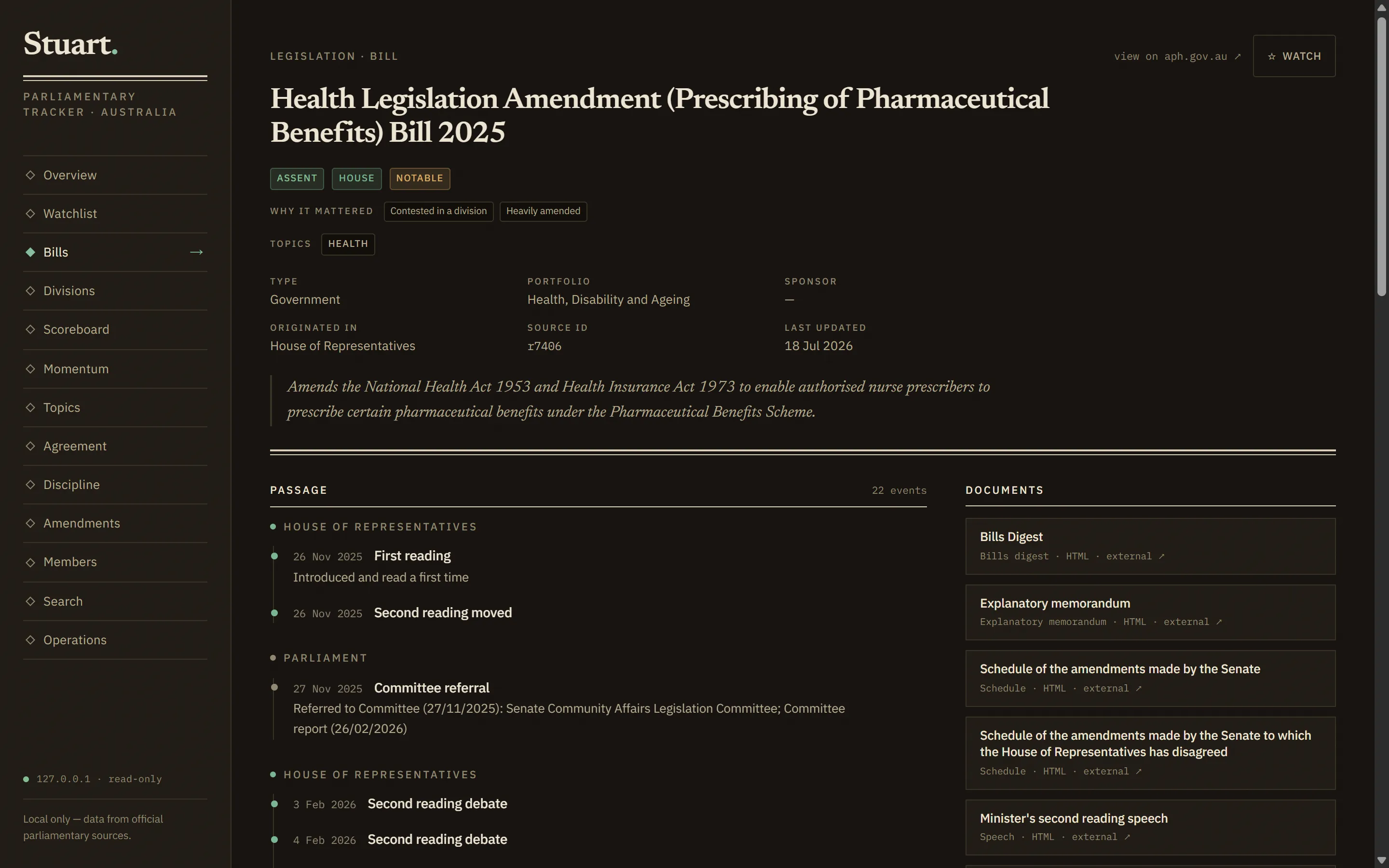
A local web app presents all of it: bill pages with progress timelines, division pages that lead with an explanation of what the vote was actually about, member pages, full-text search. Windows Task Scheduler runs the sync every 30 minutes. If the machine reboots, the whole thing picks itself back up without me.
The first working version, ingesting real data with real summaries on the scheduled pipeline, took one weekend.
The catch, and why it’s the honest part
Stuart can never be a product. Most Australian parliamentary content is licensed CC BY-NC-ND, which means no derivatives may be published, and an AI-generated summary is a derivative. One major legal database bans AI use outright, so Stuart never touches it. The whole system binds to my local network and the data stays on my machine.
(It’s also why the screenshots in this post show only the official record: titles, dates, votes and outcomes. The AI-written summaries stay on my machine, where the licence says they belong.)
We learned all of that in the research pass, before writing any code. Which is exactly where you want to learn it. Finding out your product can’t legally exist is a much cheaper discovery on day one than in month three.
How a weekend MVP actually happens
The speed didn’t come from typing fast, and it didn’t come from pointing AI at a vague idea and hoping. The weekend went like this:
- A written brief first. Five hard requirements, in writing, before any code. Local only. Historical backfill. Regular self-updating. AI as the intelligence layer. A web app worth looking at.
- Research before building. A proper pass over every data source: what’s available, how far back it goes, what the licences allow, which sites will block you. This is the step that surfaced the licensing constraints and saved the project from a dead end.
- A phased roadmap where every phase ends with something usable. Phase 1’s exit criteria was a single sentence: the machine reboots and the tracker keeps itself current unattended. Not “core functionality implemented”. A sentence you can test by turning the computer off.
- A clear division of labour. Deterministic code gathers the data. AI explains it. The AI never writes to the database and never fetches from the internet; it reads through one locked-down query tool and outputs JSON that gets validated before anything is stored.
- Verification with teeth. An adversarial review pass caught 18 real issues before Phase 1 was called done. Before letting the AI classify thousands of historical bills, it had to pass an eval against 53 bills I’d reviewed by hand.
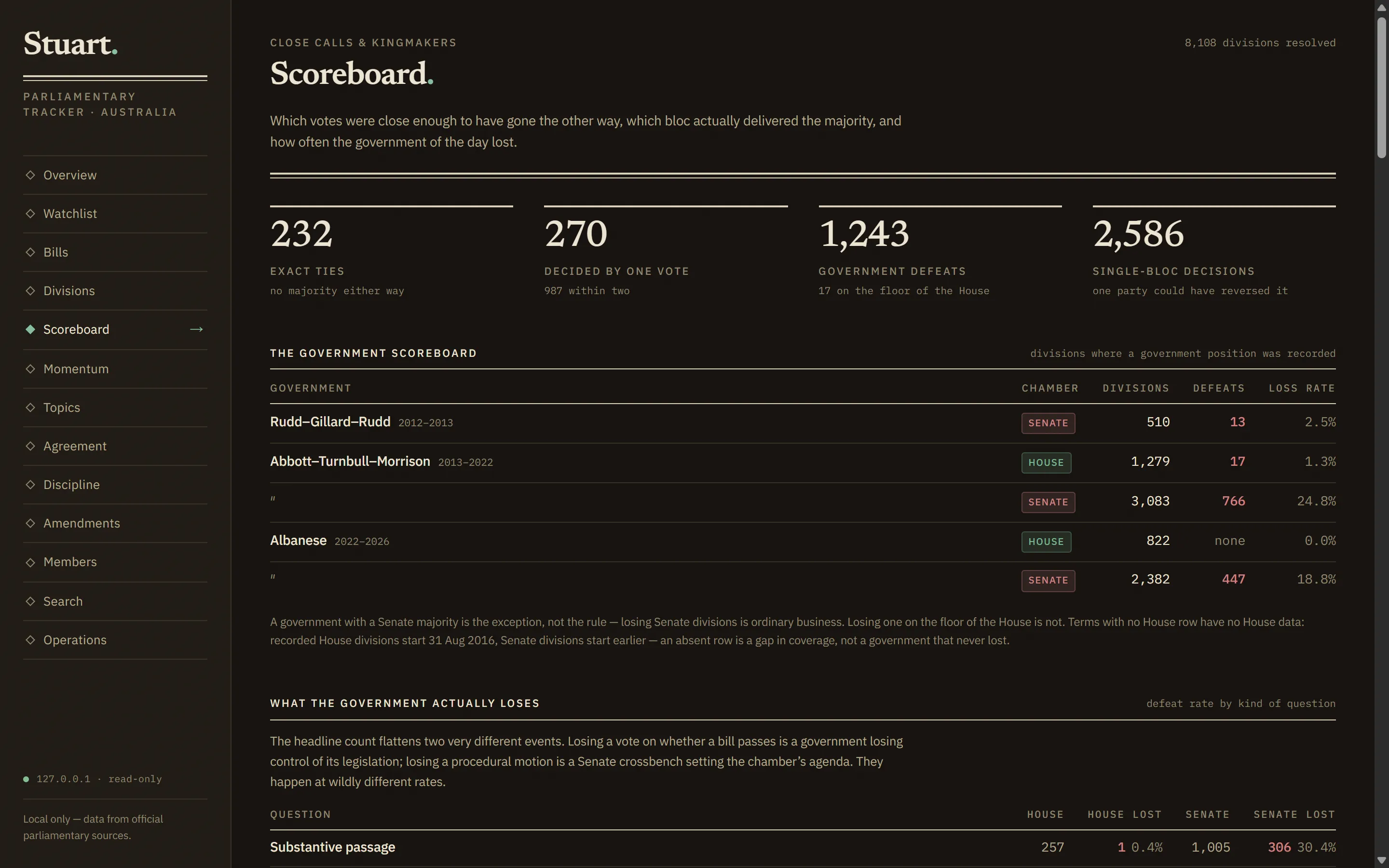
- Cost guardrails. Summarising 8,000 historical divisions at roughly 20 cents each is an explicit decision in Stuart, not a default. The queue makes you choose it.
AI wrote most of the code. The process decided what got built, in what order, and what “done” meant. That division is the entire trick.
What this has to do with your business
Stuart is a personal project, but the process is the same one we use for client work: pin down the brief and the constraints first, research before building, phase the work so every phase ends with something you can actually use, and verify with real checks rather than optimism.
If there’s a tool your business has wanted for years but the quote never stacked up, it might be worth a fresh look at what it would take now. Happy to talk it through and tell you honestly whether it’s a weekend problem or a six-month one. No pitch, just a conversation: secureminded.au/services.