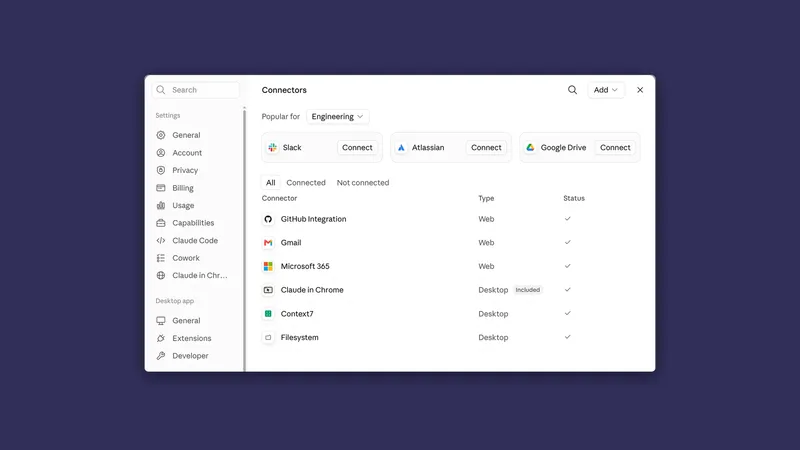
Connectors: when Claude should go and get the data itself
By Stephen Kearney
Every time you export a report to CSV so you can hand it to Claude, you have done a job Claude could have done.
It is a small job. Log in, find the report, set the date range, export, find it in Downloads, drag it across. Ninety seconds. The problem is not the ninety seconds, it is that you do it every time, and that the export is a snapshot, so the moment anything changes you do it again.
This is the ninth post in a series on getting actual work out of Claude. Post one has the setup if you are starting here, and post eight covers skills, which is what you want once one of these jobs turns into a monthly one. This is where it stops being about files on your computer.
What a connector is
An authenticated link to a system you already use. You sign in once, grant a set of permissions, and Claude can then read (and sometimes write) that system directly.
Claude gets your access to that system and no more. If you cannot open a file, a channel or a record yourself, the connector cannot reach it for you either. So a connector does not widen what you are allowed to see. It widens what you can ask about without exporting first.
The mental shift is small and the practical difference is not. Instead of “here is a spreadsheet of last month’s invoices”, it is “look at last month’s invoices”. Nothing to export, nothing out of date, and no snapshot sitting in your Downloads folder becoming wrong.
The ones that matter for an Australian small business
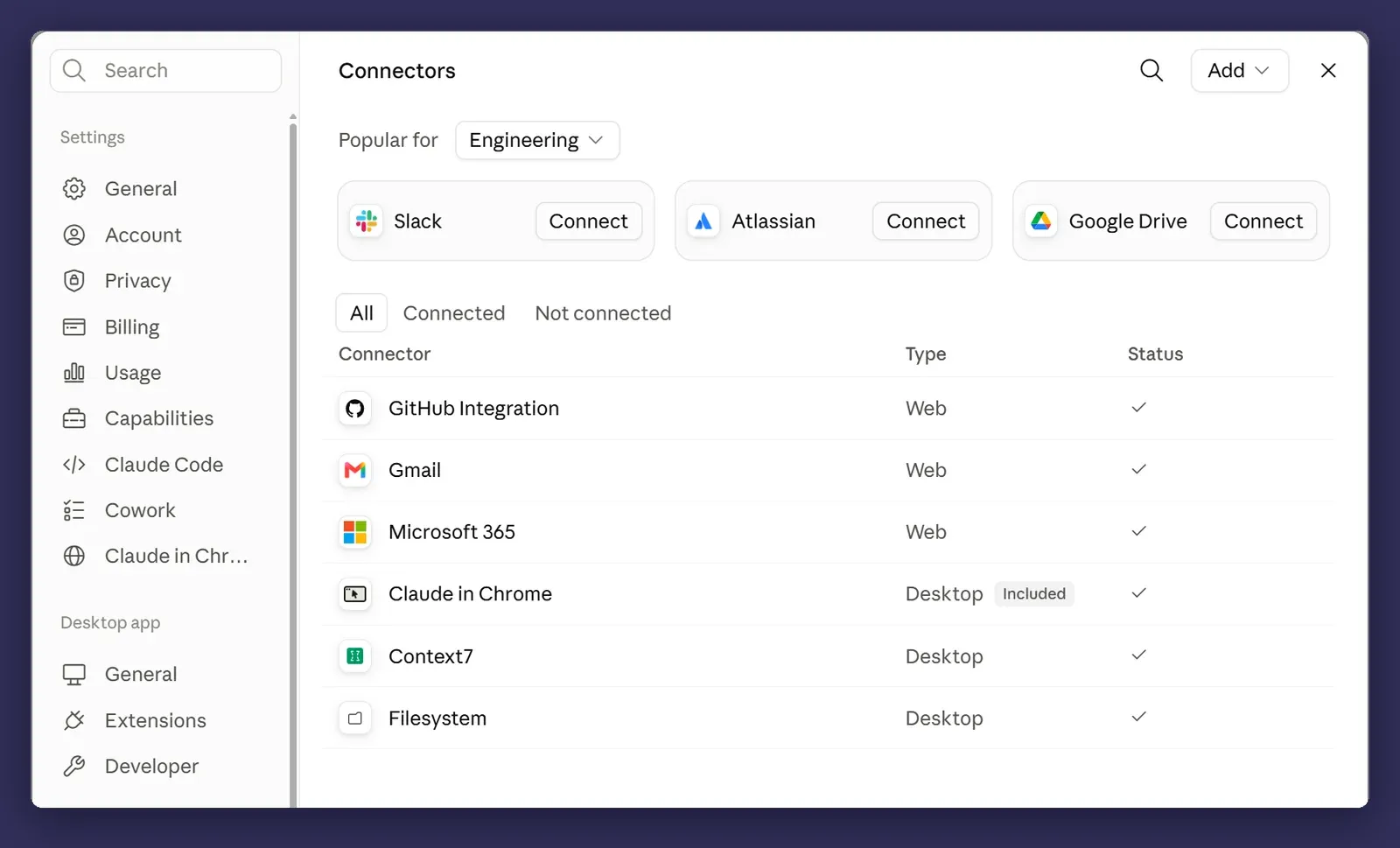
Microsoft 365 and SharePoint. If you are a Microsoft shop, this is the big one, and it is probably where most of your actual work lives. The one connector covers SharePoint, OneDrive, Outlook and Teams, so it reaches email, calendar and the document libraries everything is filed in. It wants a work or school account, not a personal Microsoft one.
Xero. Profit, cash position, invoices, contacts. This is the one that turns month-end from an export exercise into a question you ask, and it is free to add on top of a Xero subscription with no developer setup. Two things to know before you rely on it. It is read-only at launch, so Claude can answer about your books but has no ability to change them. And it is session only, so what it read goes when the chat does.
Google Drive. Same story as SharePoint, different half of the market.
Slack. Useful less for the messages than for the decisions buried in them, which is a genuinely hard thing to search by hand.
If you are on Microsoft 365, you already have most of what you need. That is worth checking before you go looking for anything more elaborate.
Connect a service once, on the desktop app or on claude.ai, and it is there on your phone the next time you sign in. You do not set it up twice.
What actually changes
Here is a real month-end shape, before and after.
Before: export the invoice list from Xero. Export the quote list from wherever quotes live. Open both in Excel. Match them by job number. Find the ones that do not agree. Write up what you found.
After:
Compare last month's invoices in Xero against the quotes in the
Northwind Fitouts > Quotes folder. Match on job number.

Give me the ones where the invoiced amount differs from the quoted
amount by more than $500, or where there's an invoice with no
matching quote.

For each, tell me the job number, both figures, the difference, and
which document I should look at. One table, saved as
northwind-reconciliation-august.xlsx in the Reports folder.
One instruction. Two systems. No exports.
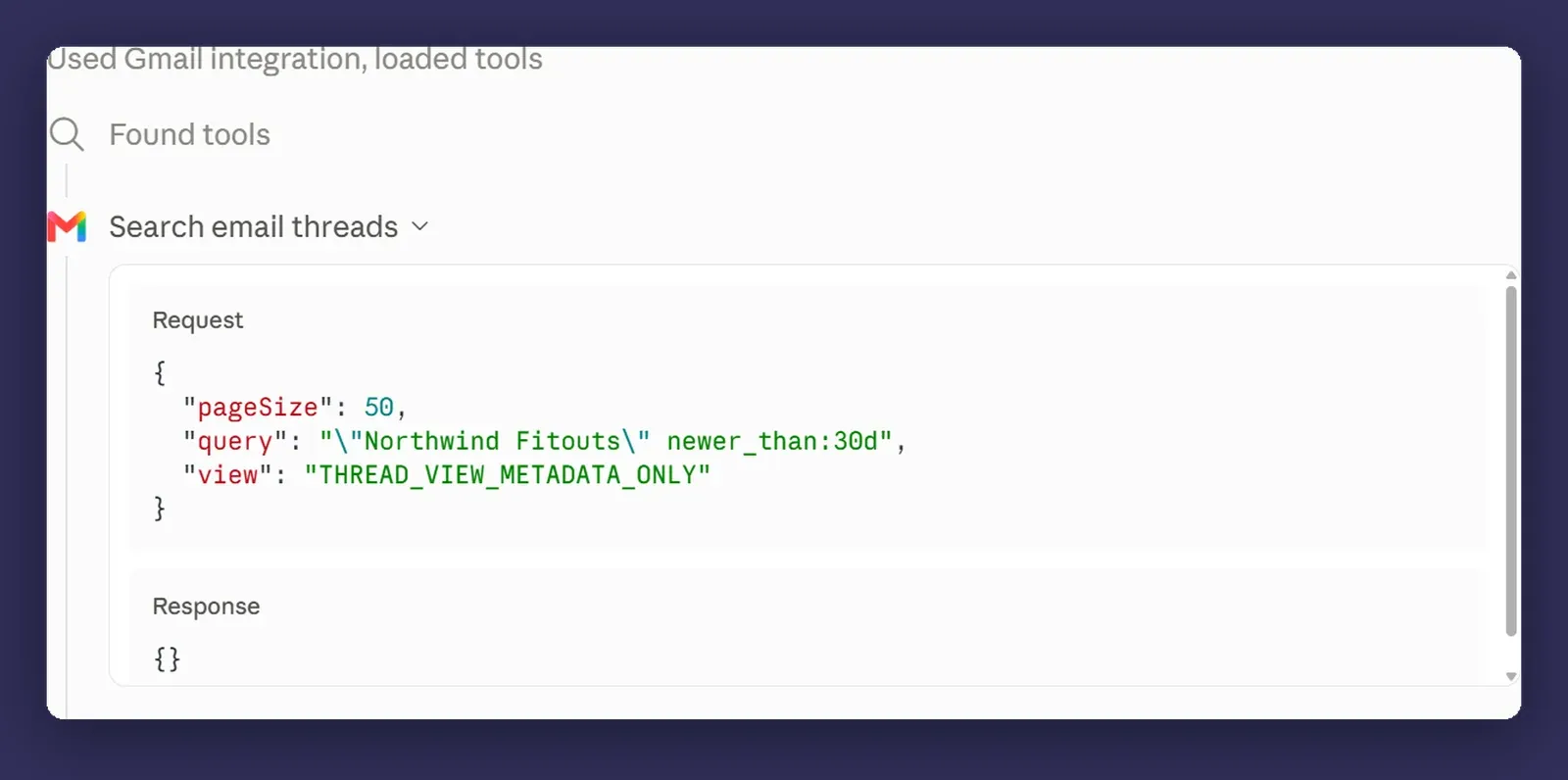
Xero answers with a link back to the invoice or the report it read, so checking a row is one click rather than a hunt. The value is not that it did the comparison faster. It is that the comparison is now cheap enough to run weekly instead of monthly, which is when it stops being a report and starts being useful.
Read what it can actually do
This is the part to slow down for, and you can do it before you connect anything. Every connector has a page listing the tools it hands Claude, in plain function names.
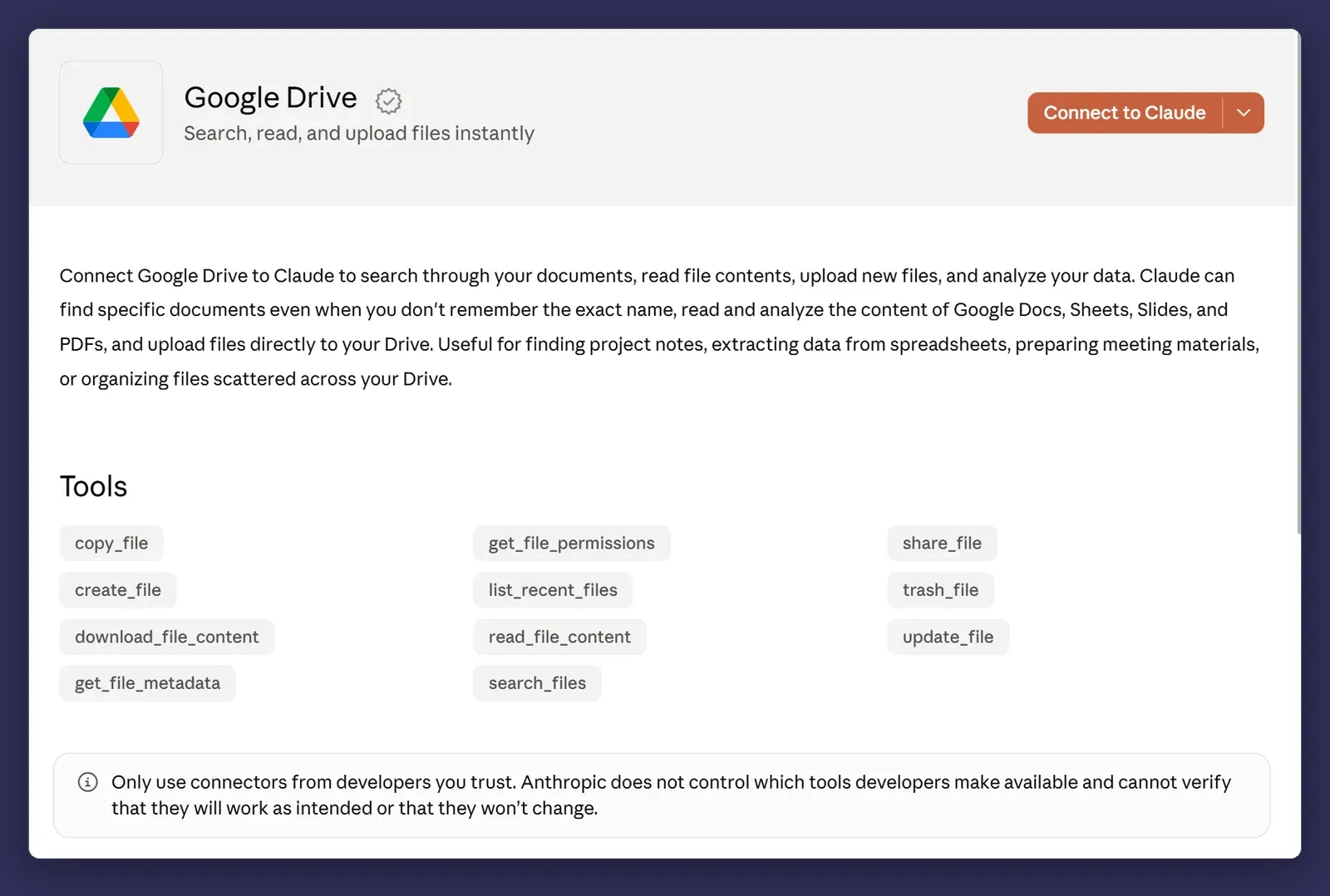
The line under the title says “Search, read, and upload files instantly”. The list underneath it has eleven tools in it, and alongside the search and read ones you were expecting there is share_file, trash_file and update_file. One shares a document with someone. One puts a document in the bin. One overwrites the contents of a document. The summary and the tool list do not say the same thing, and the tool list is the accurate one.
Anthropic says as much on the same page. It does not control which tools a developer makes available, and cannot verify that they work as intended or that they will not change. So the tool list is worth reading again after an update, not only before you connect.
Connector permissions are usually wider than the job you have in mind. A read connection to a mail account is a read connection to all of it, not just the twelve messages you were thinking about. That is how OAuth scopes work generally and it is not specific to Claude, but it is worth registering, because clicking through a consent screen is a habit most of us have.
Start read-only, and use the switches rather than good intentions. Each connector tool can be set to Always allow, Needs approval, or Blocked. In the automatic approval mode from post three, the read-only tools go through and Claude makes the call on anything that writes or deletes, so setting the write tools to Blocked yourself is the difference between a policy and a hope. On Team and Enterprise an owner can restrict a connector’s actions for the whole organisation, read but not write, and nobody can override that locally. If you are the owner, that is the setting worth ten minutes.
Write access is a serious decision, and sometimes it has already been made for you. Xero is the easy case: the connector has no write actions at all, so the worst it can do to your books is nothing. Google Drive is the other case, and it is the one in the screenshot above. Something that can overwrite a file or share it outward sits behind the same interface that will confidently do the wrong thing if your brief is precise but mistaken. I would want a specific, repeated, worth-it use case before turning that on, and I would want it on manual approval when I did.
Post three’s rule still applies and applies harder here: match the oversight to what the action costs if it goes wrong.
Local versus cloud connectors
That Type column in the connectors list is doing more work than it looks like.
A Web connector is reached from Anthropic’s servers rather than from your machine. That stays true when you are sitting in the desktop app, because the connection is brokered through your Claude account, not through your network. A Desktop connector runs on your own computer, so the desktop app has to be open on that machine for it to be reachable at all.
This matters for post ten. Scheduled tasks run in the cloud, so a task set for 6am on a Monday goes ahead with the laptop shut, and it can use every Web connector you have. What it cannot reach is anything local. A cloud session sees a connected folder only while the Claude Desktop app is open on that machine, so with the laptop shut the run still happens and comes back with the local half missing.
Which is why the reconciliation above, mixing a cloud connector with a folder on the laptop, is a job you start rather than a job you schedule. The scheduled version has to live entirely in connected systems.
Where it bites
Permissions are broader than people expect. Covered above, and worth the second mention, because the consent screen is the one place in this whole product where clicking through has real consequences.
Verified is not audited. The directory labels some connectors verified and the rest community, and the label describes how much review the listing got, not what the connector can do. Anthropic is explicit that verification is not a security audit, and that once you connect one, a community connector has the same reach as any other. The label narrows the field. It does not do your thinking.
A connector you cannot see is usually not broken. With a lot of connectors switched on, Claude loads their tools as it needs them rather than all at once, and a slow one can be missing from the list when a session begins. Claude will then tell you it cannot do the thing rather than that a connector has not loaded. Confusing the first time. There is a Tool access setting on the ”+” menu with Auto, Always available and On demand modes, worth a look once you are past about ten connectors, and starting a new session clears most of it.
Enterprise admins control what can be connected, and that is usually correct. If you cannot connect something, there is generally a reason, and the reason is generally that someone thought about the scopes more carefully than you were about to. On a Team plan the directory gives you a Request button instead of a Connect button, which sends it to your admins rather than leaving you stuck. Use that rather than routing around it.
Connected does not mean current. A connector reads what the system has, and if the invoice was never entered, Claude cannot see it either. Reconciliation output is only as good as the data behind it, which is true of the manual process too, but the automated version is more convincing about being wrong.
Next
Post ten: scheduled tasks, and the Monday report that writes itself. This one and that one go together, because a connector is what makes an unattended task possible.
If you are on Microsoft 365 you have already got most of this available, and it is worth twenty minutes to see what it can reach. Happy to talk through which systems are sensible to connect and which should stay read-only, particularly if you are in a regulated industry. That is a conversation, not a pitch.