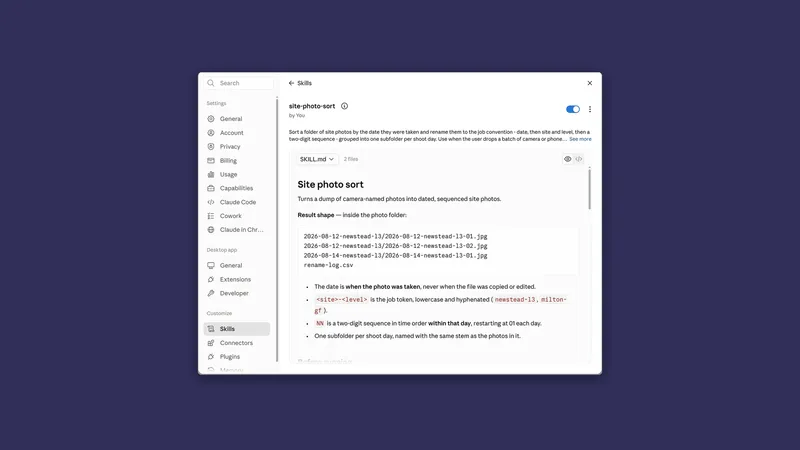
Skills: teach it once, stop explaining it
By Stephen Kearney
You have explained your monthly report format four times now. The fourth time was the one that annoyed you.
Not because it went badly. It went fine, same as the other three. It annoyed you because you could hear yourself saying the same sentences, and somewhere around “and the summary goes at the top, not the bottom” you thought: this is a document. Why am I saying it out loud.
This is the eighth post in a series on getting actual work out of Claude. Post one has the setup if you are starting here, and post seven covers projects, which is where most of these skills end up being used.
What a skill is
An instruction file for a repeatable job. That is the whole of it.
No coding. It is a folder with a Markdown file in it called SKILL.md, and that file carries a name, a description of when to use it, and the steps. Claude reads the name and the description of every skill you have, and only loads the rest when a job matches. So the description is the line that decides whether the skill ever fires, and it is capped at 200 characters, which is about two sentences.
One switch has to be on before any of this shows up. Skills run in Claude’s code execution environment, so if the Skills section is missing or greyed out, turn on Code execution and file creation under Settings, then Capabilities. On Team and Enterprise plans that switch belongs to an owner, and an owner can also stop members creating their own. Skills themselves are on every plan, free included.
I have written the mechanics up separately in How to Build Claude Skills, and there is a step-by-step Cowork setup in Teach Claude to Write Like You if you want the voice one specifically. This post is the other question, the one that matters more: which skills are worth building, and how do you tell.
The easy way to make one
Do the job properly once, with Claude, in a normal session. Correct it as you go. Get the output to where you would actually send it.
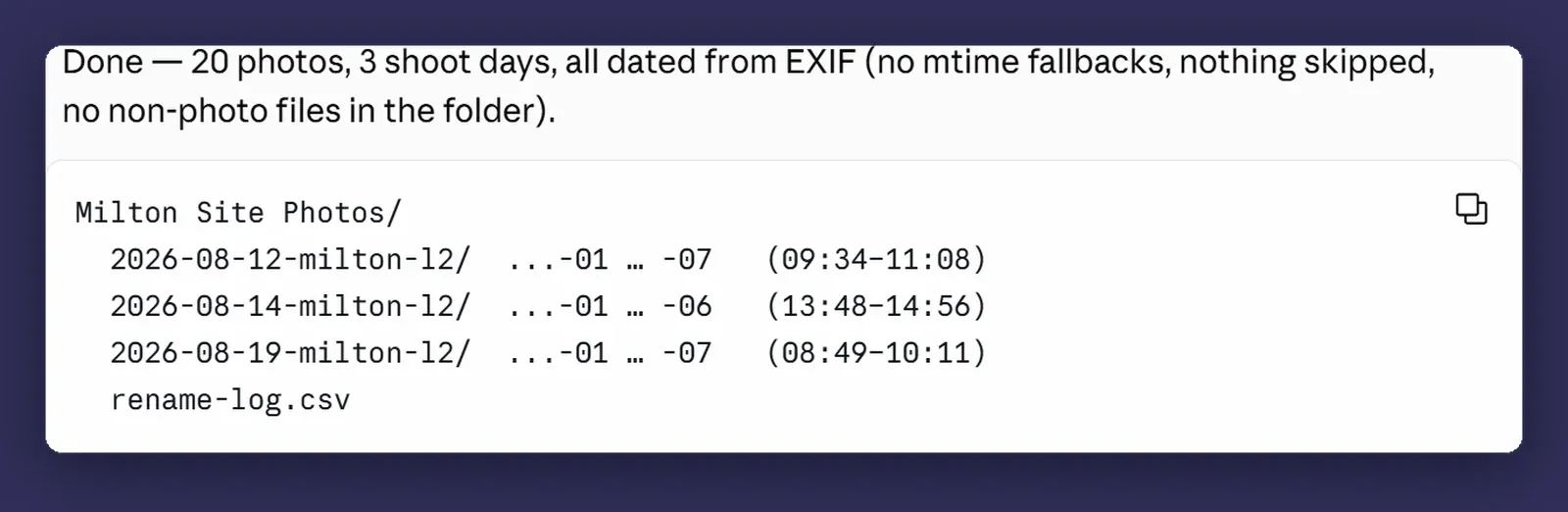
The example below is the photo sort from post two, because it is the job this series has already done twice and you can see exactly what went into it. Your version is whatever you have explained four times.
Then say:
Package what we just did into a skill I can call again.
Include the naming rules we settled on and the two corrections
I gave you. Name it site-photo-sort.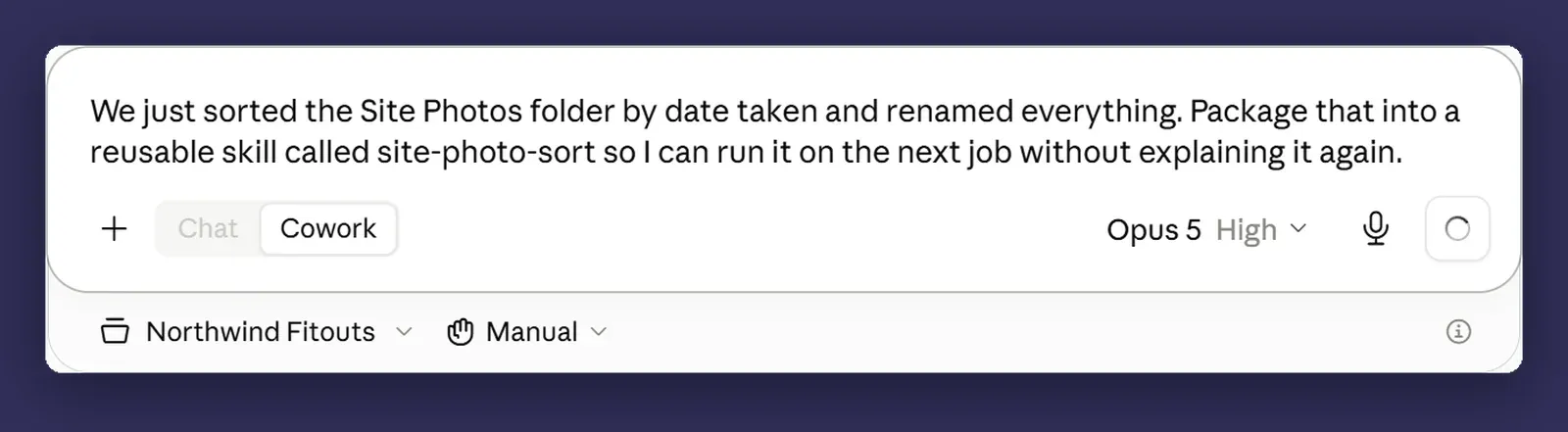
This works far better than writing a skill from scratch, for the same reason a template beats a description of a template. You are handing it a real worked example rather than your recollection of how you do the job, and your recollection leaves things out. The two corrections you gave it mid-session are exactly the sort of thing you would never think to write down, and they are the difference between a skill that produces a draft and one that produces a document.
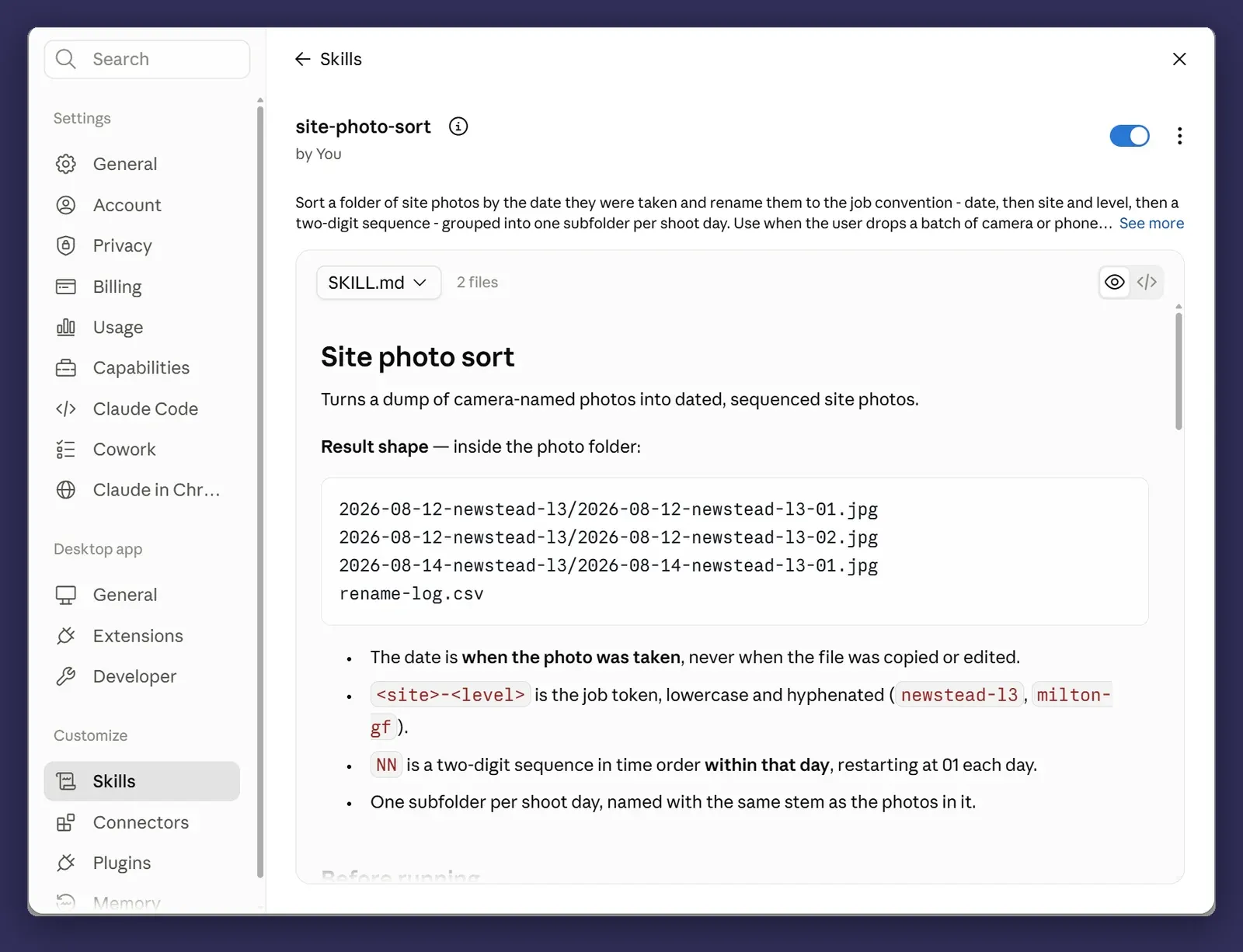
Read what it wrote. Not because it will be wrong, but because reading it tells you whether your process is as clear as you thought. Mine usually is not.
There is a second route if you are on a Mac. Claude for Mac can record you doing the job, screen and voice together, and propose a skill from what it watched you do. It is not in Windows, not in ordinary chat, and not on the free or Enterprise plans, so for most of the businesses this series is written for the prompt above is still the way in.
Calling one
Two ways. Name it directly with a slash, or just describe the task and let it pick.
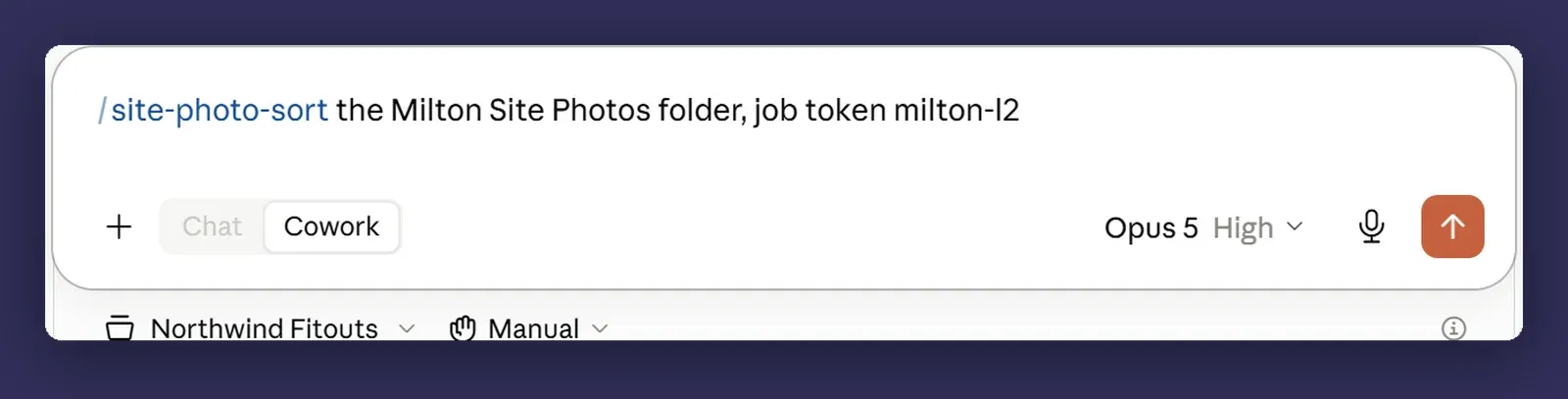
A skill can take something after its name as well, so /site-photo-sort March and /site-photo-sort April run the same process over different work. Everything you have sits under Customize in the sidebar, each with a switch, which is also where you turn one off when it starts getting in the way.
The second way is the one that makes skills feel worth the effort. Once you have five or six, you stop thinking about them as things you invoke and start thinking about them as things your setup knows how to do.
Skill, instruction, or project?
These three get muddled constantly, and the distinction is simple once you have it.
Instructions are how you always work. Australian spelling, short answer first, ask when unsure. Always on, never invoked.
Projects are what this stream of work is about. The client, the files, the standing constraints.
Skills are how you do a specific job. Invoked when that job comes up, ignored the rest of the time.
The test: if you would say it about yourself, it is an instruction. If you would say it about a client, it is a project. If you would say it about a task, it is a skill.
The three to build first
If you build only three, build these.
The recurring client report. Whatever your business produces on a schedule. Monthly summary, weekly pipeline, quarterly review. It is the highest-frequency job you have and therefore the highest return, and the format is already settled, which is what makes it a good candidate.
The quote or proposal format. Structure, inclusions, exclusions, the terms paragraph, the bit about variations that you always forget until the client asks. This one pays back the first time it saves you a rewrite, and it is also the one where consistency has commercial value.
The house writing voice. How your business sounds. Worth building even if you do nothing else with any of this, because it improves the output of every other skill you build afterwards. That is the one covered end to end in Teach Claude to Write Like You.
Notice what these have in common. High frequency, settled format, and you already know what good looks like. That combination is what makes a skill worth building. A job you do twice a year, or one where the right answer changes every time, is not it.
Iterating
Run it. Note what came out wrong. Tell it to update the skill.
That's close. Two things: the summary should be three bullets not
five, and it needs the site address in the header. Update the skill
so next month's is right.
This is the loop, and it is the reason skills get better while everything else stays the same. Three or four rounds and a skill stops needing corrections.
The habit that matters: fix the skill, not the output. Fixing the output solves today. Fixing the skill solves the next twelve months. It takes ten extra seconds and almost nobody does it.
Handing it to someone else
On a Team or Enterprise plan a skill does not have to stay yours. Find it in Customize, open the three-dot menu next to it and share it with a person, a group, or the whole organisation. They get it read-only and have to switch it on themselves, and when you improve it they get the improved version the next time they use it.
That is the point at which this stops being a personal habit and becomes how the business does the job. Sharing has to be turned on by an owner first, and it starts off in organisations with HIPAA or similar arrangements, so check before you promise it to anyone.
Where it bites
A vague skill is worse than no skill. It makes bad output repeatable and it makes it look deliberate. If you would not be happy sending the result, do not save it as a skill yet, because from then on you are correcting the same thing every month and wondering why.
Skills can conflict. With each other, and with your global instructions. A house voice skill that says one thing and global instructions that say another produce output that is neither, and it is genuinely hard to work out why from the result alone. Keep the count low and the scopes distinct.
A new skill does not turn up in the session you are already in. Cowork loads the skills that are switched on for your account when a session starts, so one written or enabled since then is not there yet. Start a new session rather than rebuilding it.
Skills rot. One built around a tool, a template or a folder structure will quietly stop matching reality when any of those change, and it will keep producing confident output the whole time. Anything you rely on monthly is worth reading once a quarter. Put it in the calendar, because you will not remember otherwise.
Next
Post nine: connectors, and when Claude should go and get the data itself rather than waiting for you to export it.
Pick the job you have explained most times this year. That is your first skill, and it will take about twenty minutes. Happy to help work out which jobs in your business are worth packaging up if the list is longer than three. That is a conversation, not a pitch.