Projects: giving it a memory that stays put
By Stephen Kearney
By the fourth session you are sick of typing “we’re a fitout company in Brisbane, we use Xero and SharePoint, the client contact is the facilities manager”.
You have explained your own business to a computer four times in a week. It went well each time, which is the annoying part. There is nothing wrong with the output. The cost is entirely in the re-explaining, and it compounds, because the fifth session is the one where you leave a detail out and get a worse answer without noticing why.
This is the seventh post in a series on getting actual work out of Claude. Post one has the setup if you are starting here, and post six covers instructions, which projects build on.
What a project actually is
A workspace with its own files, its own instructions, its own scheduled tasks and its own memory.
The last one is the part that changes how the tool feels. A project remembers across sessions. Not just what is in the files, but what it has worked out along the way: that the facilities manager wants plain English, that the March site visit is the last thing they were across, that the numbers in the old quote spreadsheet are superseded.
Memory is scoped to the project, and worth checking anyway
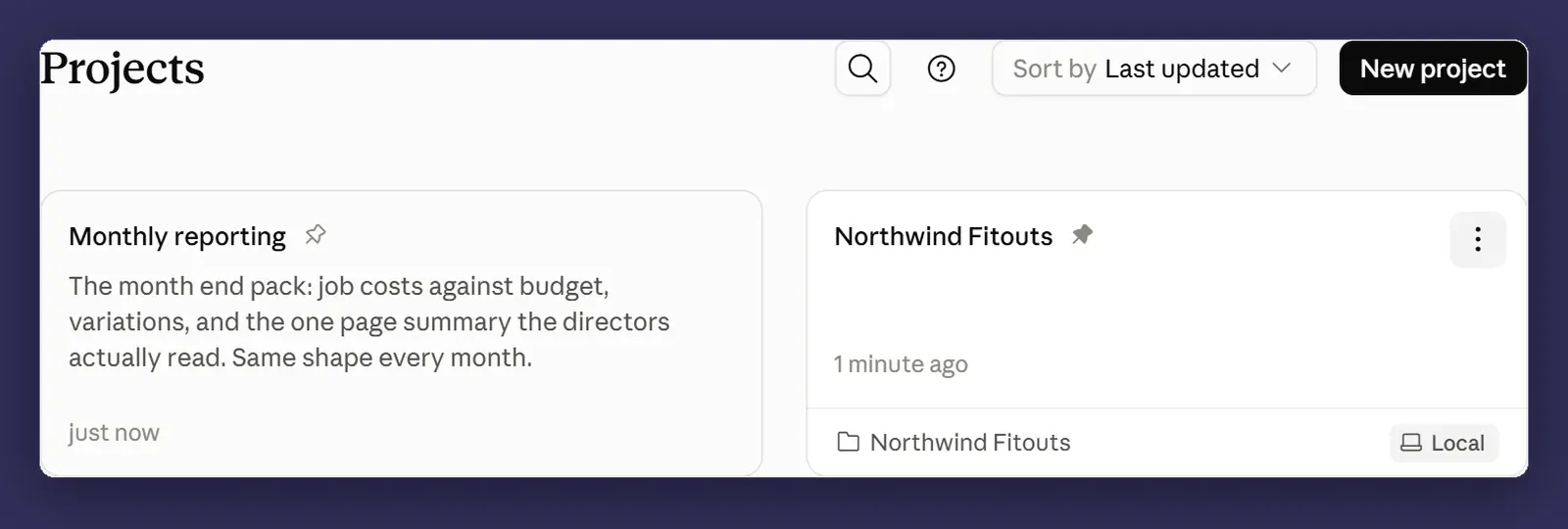
Anthropic’s documentation is explicit about this now. Each project has its own memory space and its own project summary, kept separate from your other projects and from chats that are not in a project. What Claude works out about Northwind Fitouts does not turn up while you are writing something for the next client.
Outside projects, memory does cross, and deliberately. What Claude picks up in an ordinary chat is there when you hand it a task in Cowork, and what comes up in a Cowork task carries back to chat. That is one store spanning both, which is usually what people are picturing when they worry about leakage.
You can read the lot in Settings, Memory. Everything Claude has saved is listed under Topics. Open one to read it, edit it or delete it, and the change applies from your next session on.
One caveat, because this has moved recently. A capture taken for this post in late August showed a single account-wide list rather than a per-project wall. The documentation says otherwise today. Look at your own Settings, Memory before you lean on the boundary, and either way treat it as filing rather than as a confidentiality control. If you run two competing clients, the thing that must not cross does not go into memory at all. It goes in project instructions or in a file in the folder.
Structure your projects around the boundaries that matter to you anyway. It makes memory legible, and legible is what lets you notice something has been remembered that should not have been.
Three ways to start one
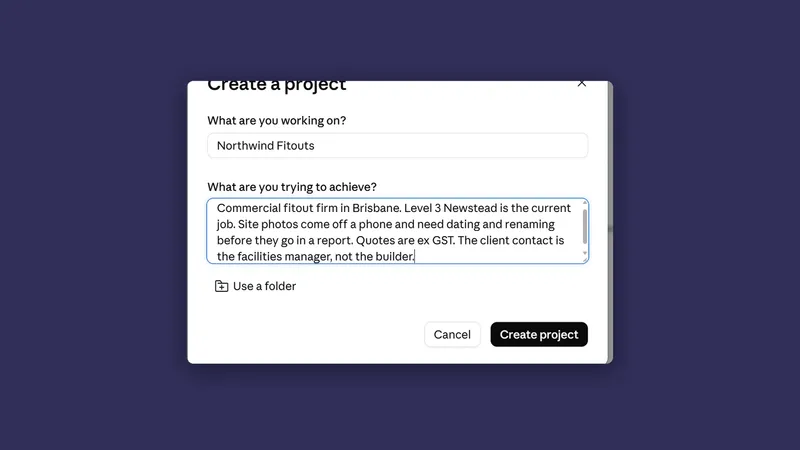
Start from scratch. Name it, write the instructions, set up a new folder. Two minutes.
Import from a Claude project. If you have already built a chat project with files and instructions in it, search for it, name the Cowork project, and choose where on your computer to save it. The files and instructions transfer. One project at a time, there is no bulk import.
Use an existing folder. The fastest one. Pick the folder, name the project, add instructions and attach anything else it needs. Most of the context comes for free.
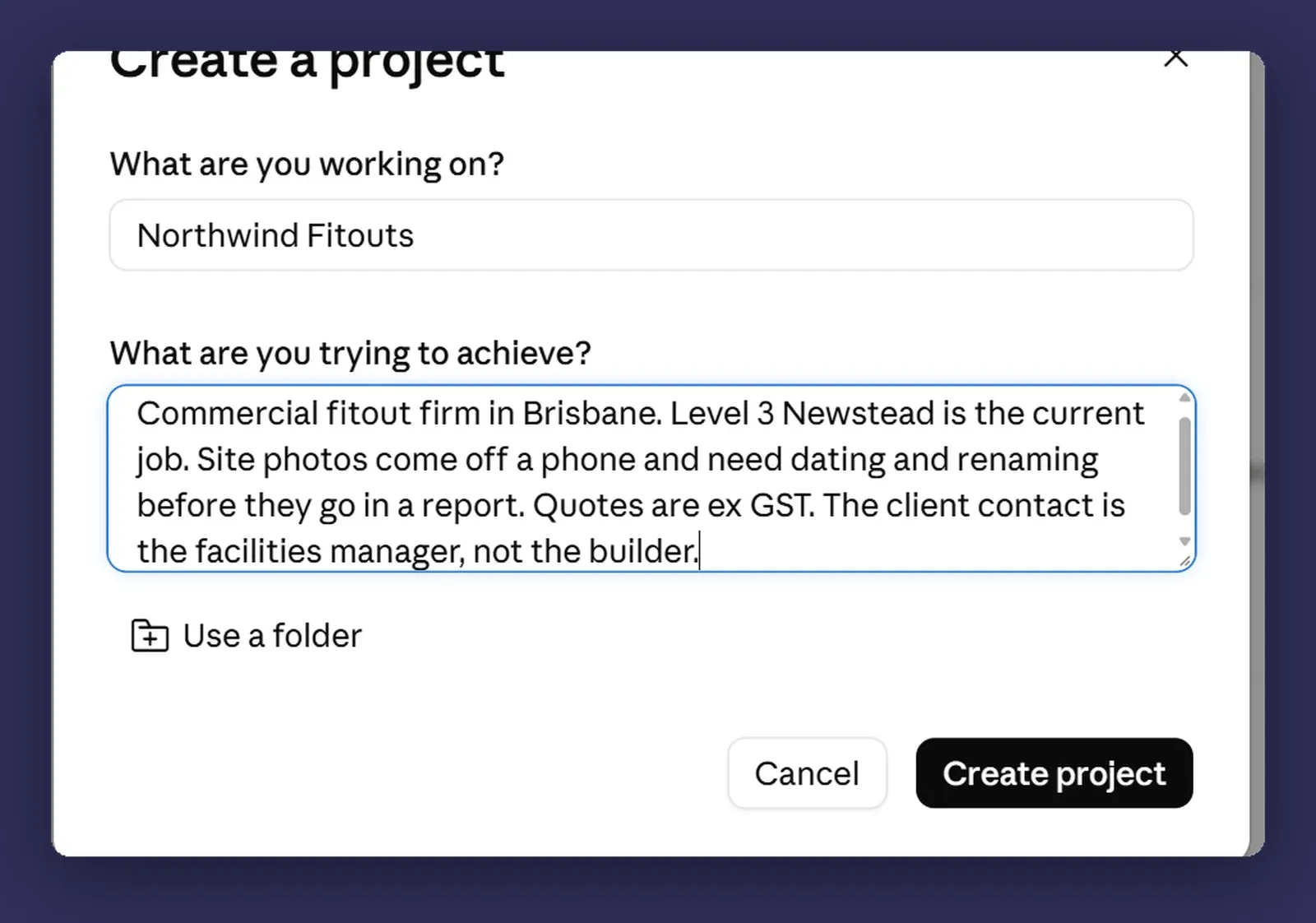
Which one you pick decides where the project lives. A project you create in Cowork is saved to your Claude account, so you can pick it up on another device. A project you build from a folder already on your computer stays on that computer and is not saved to your account. The folders themselves do not move either way. They stay where they are on disk, and reaching them needs the desktop app open on that machine, per post two.
Adding context
Three kinds, and they do different jobs.
Local folders. The work itself. One or more, read and written inside that project’s sessions.
Linked chat projects. If the thinking happened in chat and the doing happens in Cowork, this is the bridge. Linking is not merging. The chat project stays where it is and the Cowork session draws on it.
URLs. Your own website, a supplier’s documentation, a standard you work to. Useful for the things that are true but not in your files.
A project also holds its own scheduled tasks, so a recurring job can belong to one stream of work rather than to your account in general. Post ten is about those.
A sensible structure for a small business
Two patterns work and the third does not.
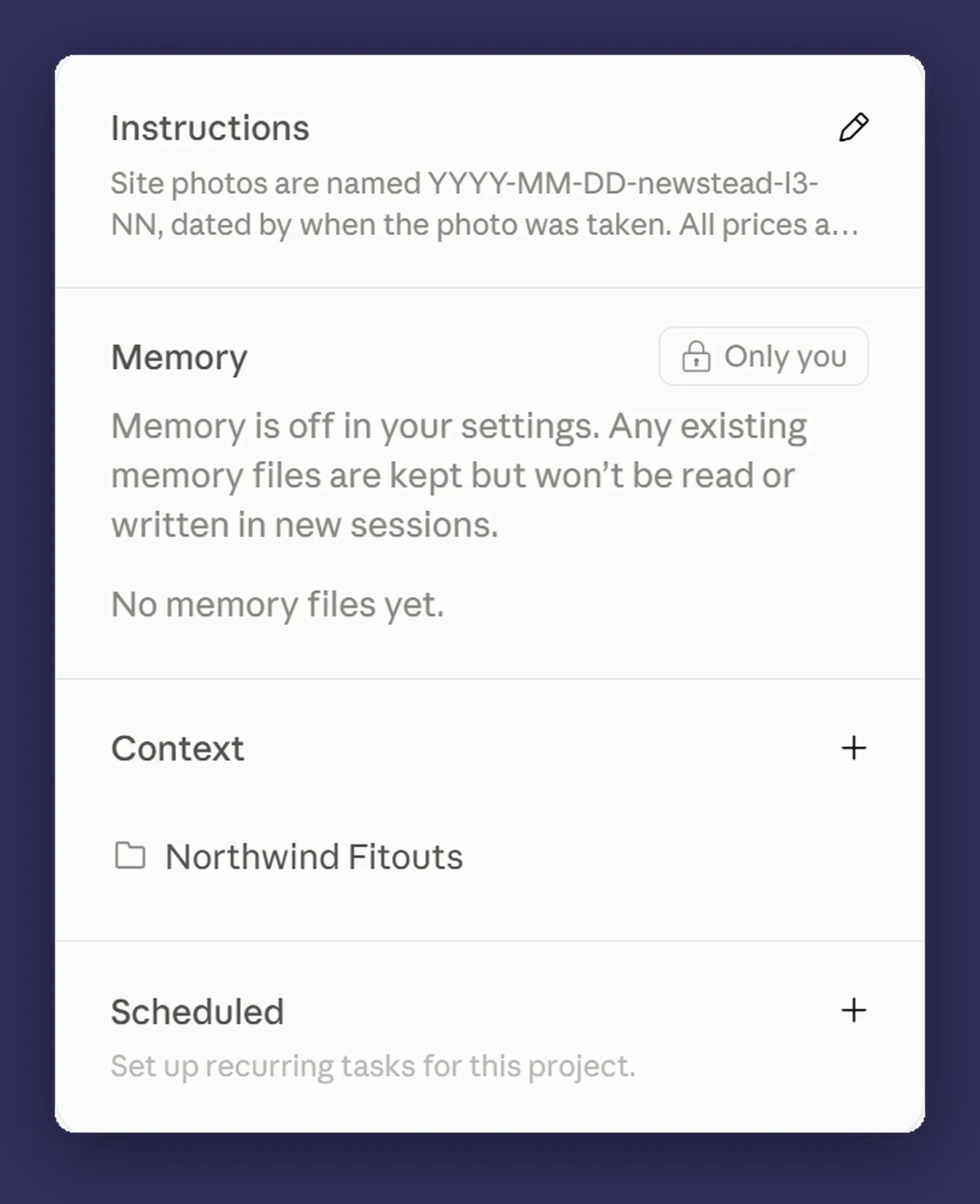
One project per client. Right if your work is client-shaped and confidentiality matters. Northwind Fitouts gets a project, the next client gets their own. On Team or Enterprise you can also share a project with the people who work on that client, which makes the split a decision about who sees what as well as about context.
One project per function. Right if your work is internal and repeated. Marketing, finance, proposals. The context that matters is the process rather than the customer.
One project for everything. This is the pattern to avoid, and it is what you get by default when you never make a decision. The memory fills up with unrelated context, the instructions become a compromise between six kinds of work, and you are back to explaining yourself at the start of every session.
If you have been running everything in one long conversation, splitting it into projects is the highest-value hour in this entire series.
What to let it remember, and what to keep out
It saves things as it goes, and you can see it happen.
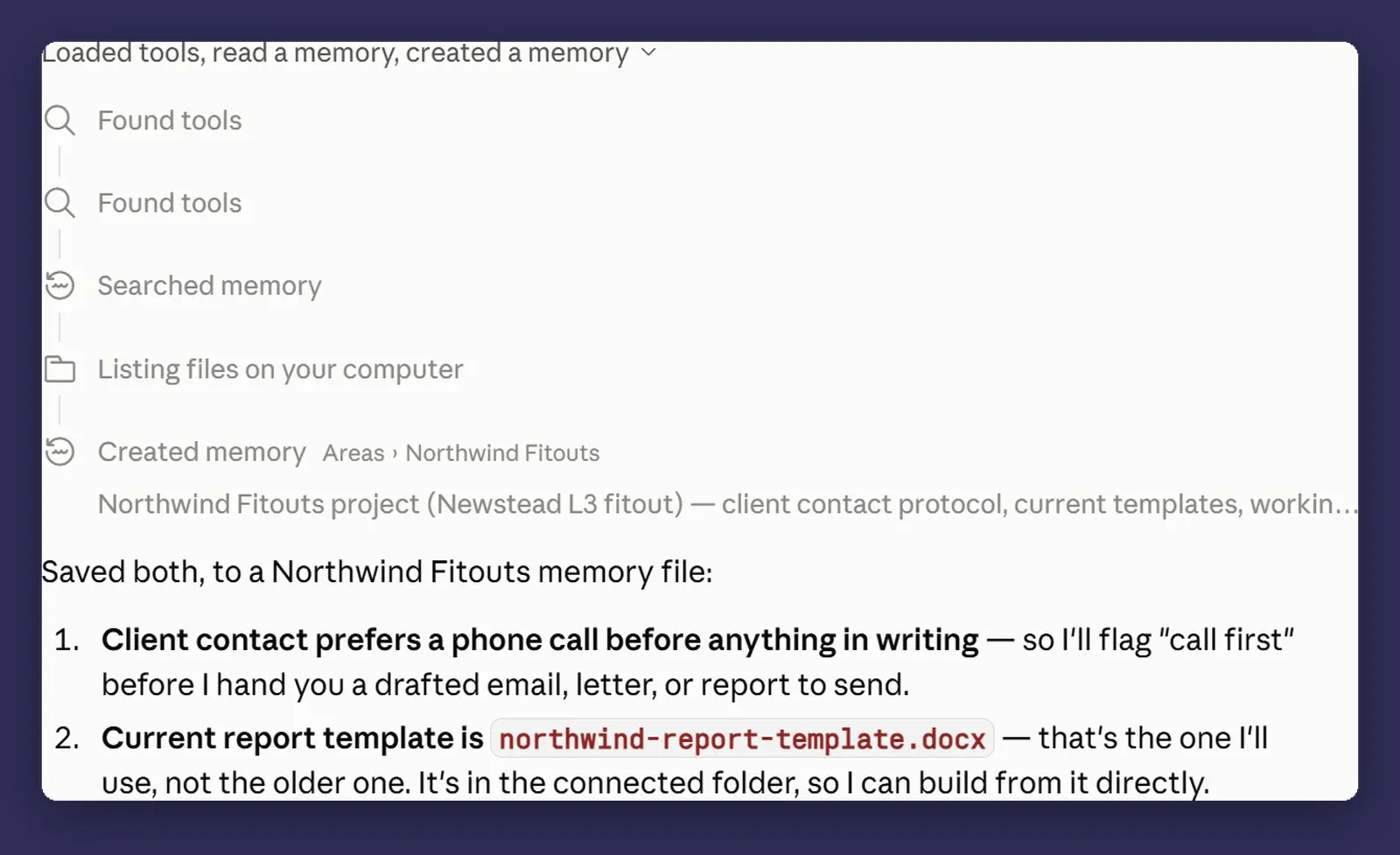
Good things to let it hold: how the client likes to be communicated with, which template is the current one, decisions you have already made and do not want relitigated, the names of the systems you use.
Things to keep out: anything you would not want sitting in your account’s memory and readable by anyone you later give the project to. Pricing you have not agreed yet, anything about individuals that is not strictly needed, and credentials of any kind.
Claude already declines to save topics it treats as sensitive, including health, race, ethnicity, religious belief, politics and gender identity. There is a setting that turns that off. Leave it alone.
The test that works: if you would have to tell someone this had happened when the laptop went missing or the account was breached, it does not belong in memory.
Where it bites
This is the section with the most in it for this post, because projects have real constraints and they surprise people.
Where a project lives depends on how you made it. Built in Cowork, it is saved to your Claude account and follows you to another device. Built from a folder already on your computer, it stays on that computer and is not saved to your account. Worth knowing which kind you have before you plan around it.
Sharing works on Team and Enterprise, and it is not read-only by default. You can give someone in your organisation Can view, which lets them see the contents, knowledge and instructions and work inside the project, or Can edit, which lets them change the instructions and the knowledge. Can edit means somebody else’s change alters what your sessions do. Group sharing is in beta on Enterprise. A project built from a local folder is the exception, because it never left the machine to begin with.
They are not in Claude Code. Support is planned, but today, if you work across both, they stay separate.
Memory can be switched off above you. On Team and Enterprise it is an organisation setting and it is off by default, so an owner has to turn it on before any of this happens. It is not available at all to organisations on HIPAA, public sector or custom data retention agreements.
Archiving keeps your files. It removes the project from the list and takes its metadata out of the interface. The folders and files on your computer are untouched.
Memory is not a filing system. It holds what it has worked out, not everything you have ever said. If a fact has to be right every time, put it in project instructions or a reference document, not in the hope that it remembered.
Put together: the project is the lens and the folder is the work. Whatever it points at should live somewhere backed up and shared, so that if the project disappeared tomorrow you would lose an hour rebuilding it rather than losing the work.
Next
Post eight: skills, and how to stop explaining the same process for the fourth time. This is where the setup work starts paying back properly.
If you have been running everything in one long conversation and it has started to feel unwieldy, splitting it into projects first is the fix, and it is an hour well spent. Happy to talk through how to carve them up if your work does not divide neatly. That is a conversation, not a pitch.