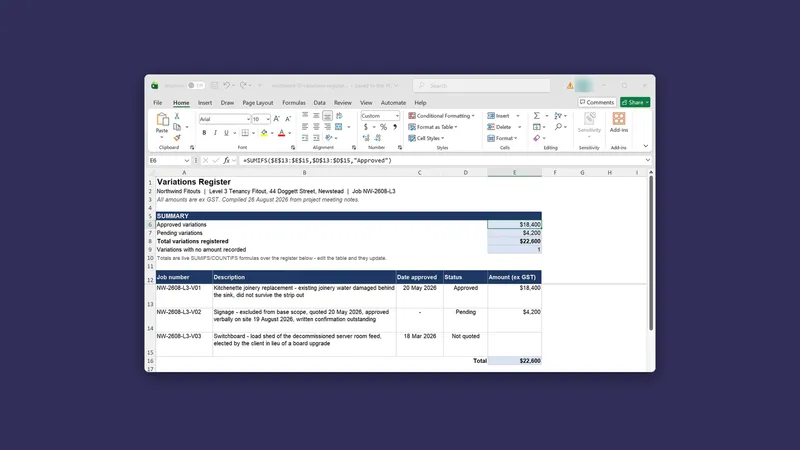
Getting documents out that you don't have to redo
By Stephen Kearney
The gap between “Claude wrote it” and “I can send this” is usually about twenty minutes of reformatting.
You get back something with the right words in it, and then you rebuild the headings, fix the fonts, put the logo back, redo the table that came across as a wall of text, and by the time it looks like your other documents you have spent longer on presentation than you saved on writing.
Most of that twenty minutes is avoidable, and the fix is not clever prompting. It is giving it the right thing to work from.
This is the fifth post in a series on getting actual work out of Claude. Post one has the setup if you are starting here, and post four covered writing a brief, which is where a document you do not have to redo actually begins.
What it can actually produce
Real files, not text you paste into a file. Excel with live formulas in the cells rather than calculated values typed in as numbers. PowerPoint. Word. PDF. CSV. Images.
The formula point is the one people underrate, so here it is up close.
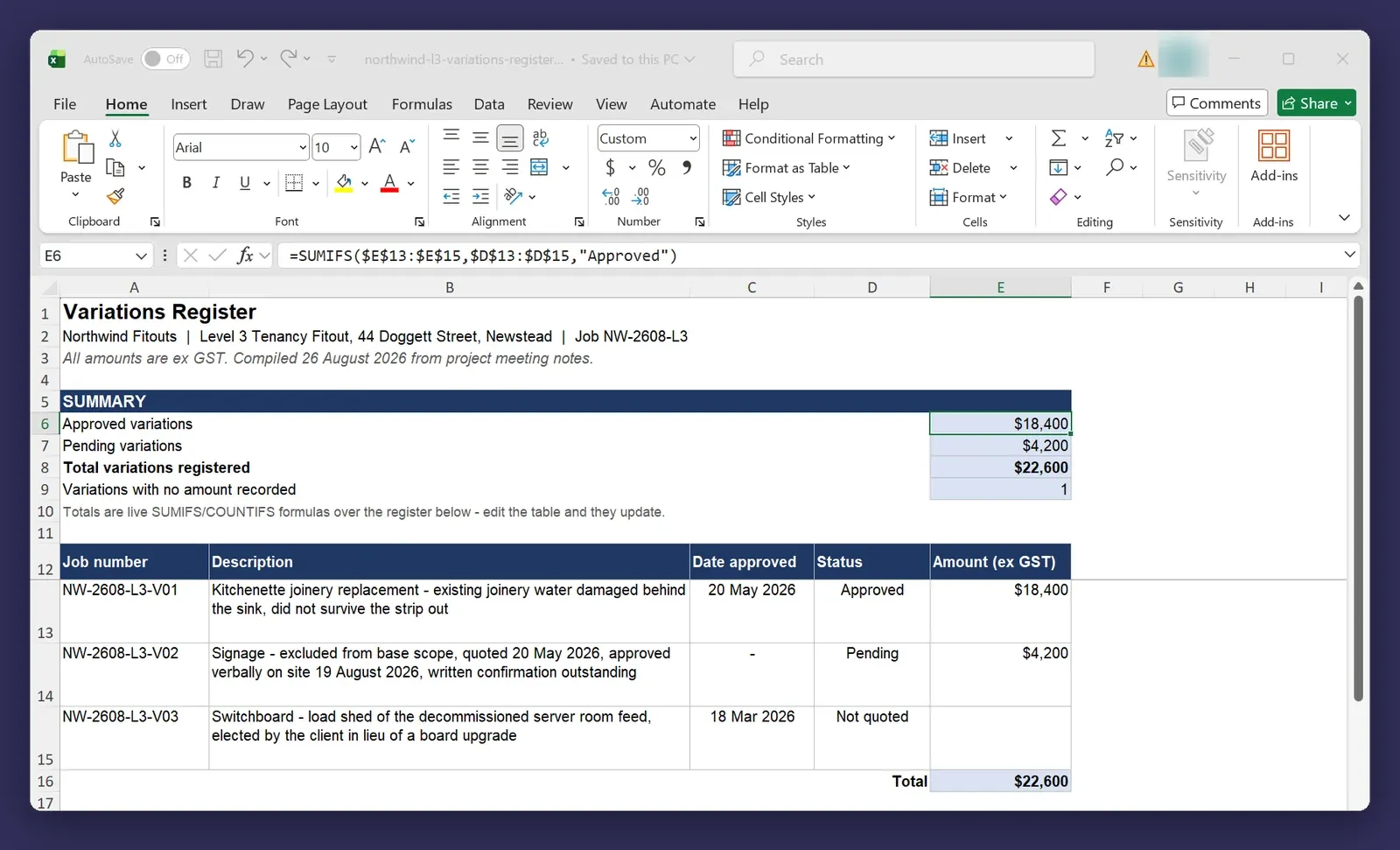
A spreadsheet of frozen numbers is a report. A spreadsheet with formulas in it is a tool you can use again next month. Ask for the second one explicitly, because if you do not say, you can get either.
Give it your template, not a description of your template
This is the whole trick and it takes ten seconds.
People write three paragraphs describing their brand: the fonts, the heading colours, where the logo sits, how the cover page is laid out. Then they are disappointed that the output only approximately matches.
Put the actual template file in the folder and point at it:
Build this using northwind-report-template.docx. Match its styles,
its heading levels and its cover page. Don't invent new formatting.
The difference is immediate. It is reading a real file with real styles in it rather than reconstructing your brand from a description, and a description of a document is always lossy.
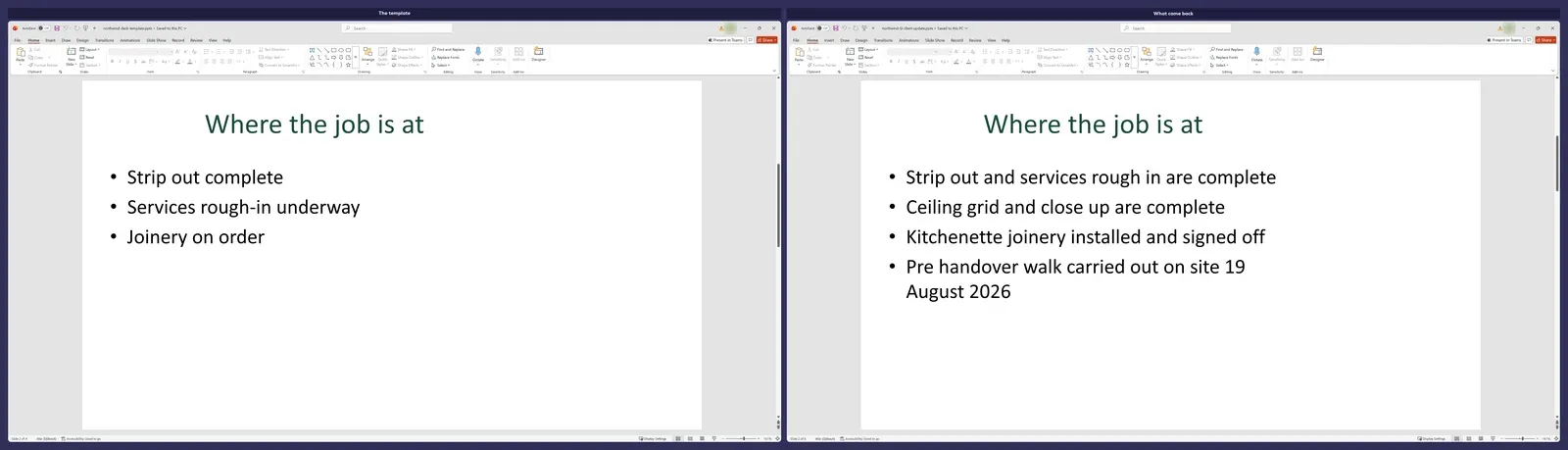
Same principle for decks and spreadsheets. The template you already send to clients is the best brief you own and it is sitting in a folder.
Draft it before you file it
Add “keep it as a draft for now, don’t save it to the folder yet” to the end of a brief and you get the document back in the conversation instead of in your folder.
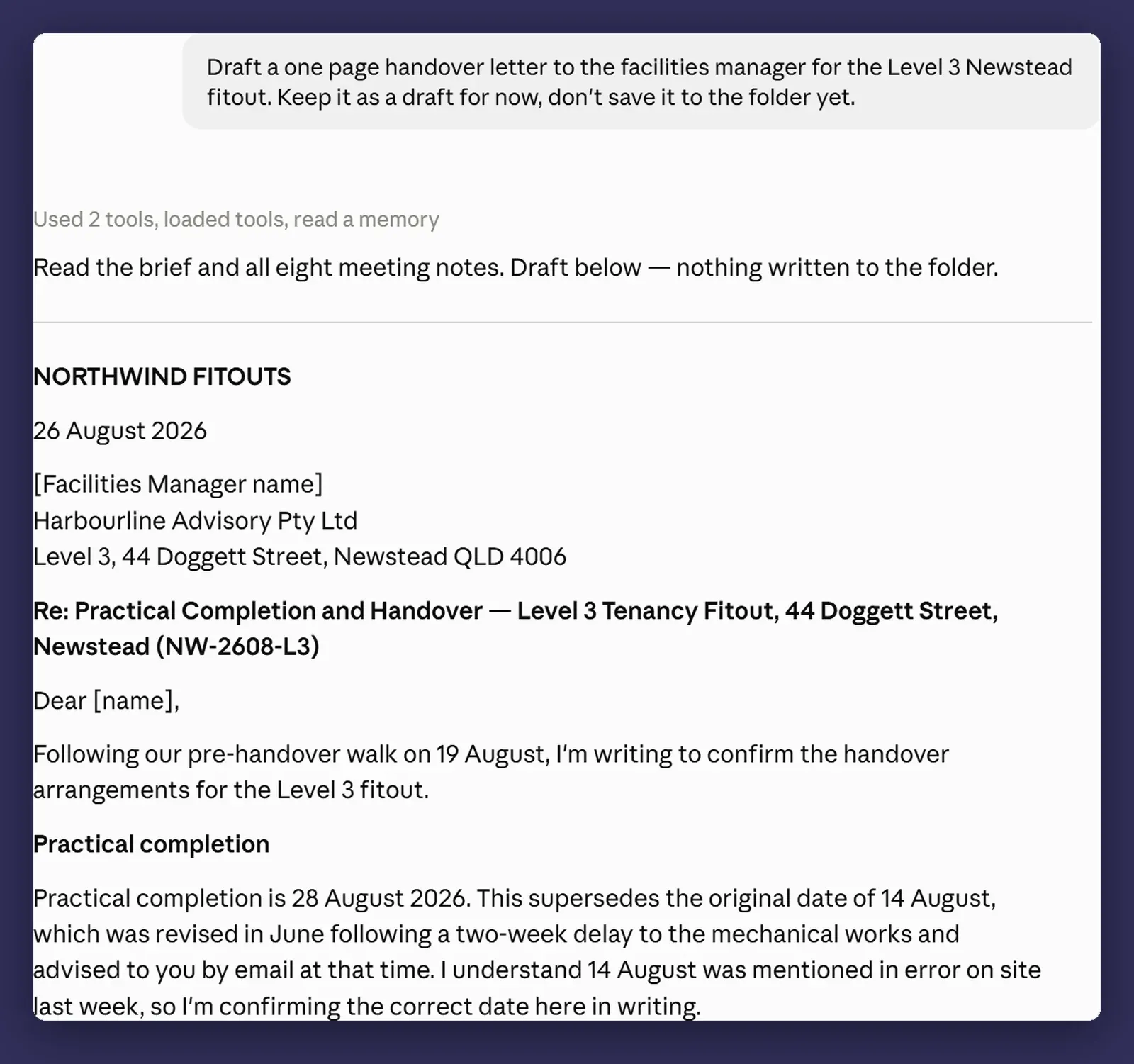
The useful bit is what this stage is for. Nothing has landed in your folder, so you can be rude about it without creating three versions of a Word document in the process. Get it right here, then say where it goes and have it written out.
Editing in place, not regenerating
When something is nearly right, do not ask for it again.
Name the part that is wrong and say what you want changed, then add the important half: leave the rest exactly as it is. It edits the file in place and comes back with what the paragraph said before and what it says now, so you can check the change without opening the document.
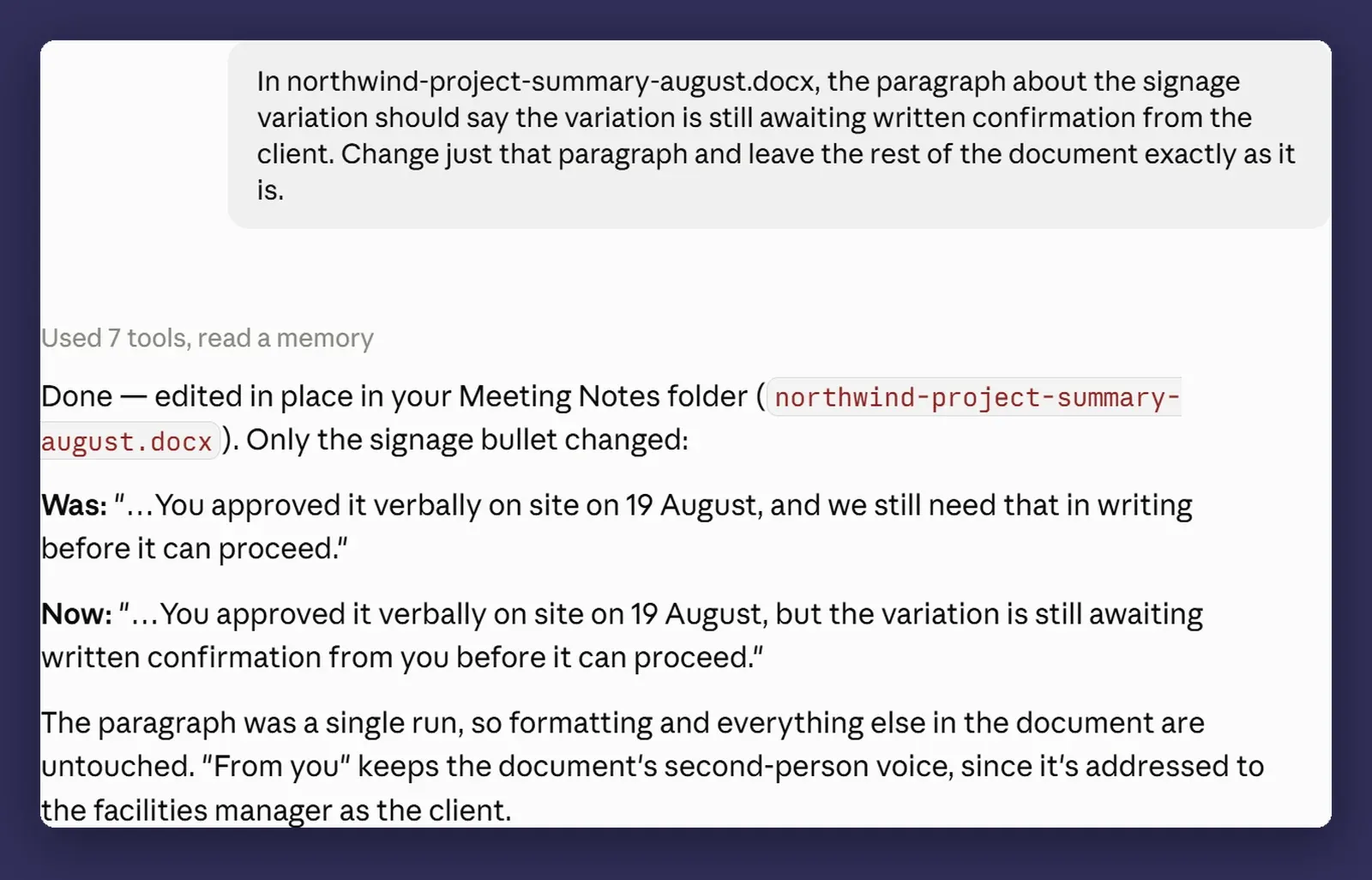
There is a faster way in when the draft is one Claude has written into the session as Markdown, rather than a file already sitting in your folder. Highlight the words you want changed, click Edit with Claude, and type what you want instead. It makes the change where you marked it, so you never have to describe the section at all.
Regenerating a whole document to fix one sentence is how you lose the four small corrections you made twenty minutes ago and did not write down. This is the same argument as post one, one level further in: the smaller the thing you change, the less you have to re-check.
Getting the file back where it belongs
A document that exists only in the session is not finished. Say where it goes as part of the brief:
Save it into the Northwind Fitouts > Reports folder as
northwind-monthly-august.docx, and tell me when it's there.
One condition comes attached to that folder path. If the task is running in the cloud, which is the Run new tasks in the cloud setting from post two, the session itself is on Anthropic’s servers, and finished work is delivered into the session for you to look at and download. Writing it out to a folder on your own computer happens through the Claude desktop app on that machine, so the machine has to be awake with the app open at the point the file gets written. Work saved to your Claude account has no such condition.
Then open it. Not skim the summary, open the actual file. “Claude said it saved it” and “the file is correct” are different claims and only one of them is checkable, which is a sentence I will keep repeating through this series.
Branding: set it once
Point it at your design assets once, put the instruction where it persists, and stop mentioning it.
Your colour codes, your fonts, your logo file, the design system PDF if you have one. In project instructions (post seven) or global instructions (post six), depending on whether it applies to one client or to everything you produce.
The test is whether you have typed your hex codes into a message box more than twice. If so, they belong in instructions, not in prompts.
Where it bites
Complicated PowerPoint templates still come back wrong. Anything with unusual master slides, layered placeholder hierarchies, or slide layouts built by someone who really knew PowerPoint will produce output that is close but off. Simple templates work well. Elaborate ones need a manual pass, and knowing which yours is will save you a surprise. That pass has somewhere better to happen than by hand now: the Claude add-in for PowerPoint works inside the deck, reads the slide master, layouts, fonts and colours, and edits individual slides against them. It is a separate install and it needs Microsoft 365, so treat it as a second tool rather than part of Cowork.
Excel with heavy conditional formatting is fiddly. Formulas are reliable. Conditional formatting rules, data validation and pivot tables are less so, and complex ones can come back subtly wrong in ways that look fine until someone filters the sheet.
Always open the file before you send it. Every time. This is the one habit that separates people who get value out of this from people who get an embarrassing phone call.
Long documents drift. On something running to twenty pages, tone and structure can wander between the start and the end. Ask for it in sections, or read it end to end before it goes anywhere, because the last third is where the drift shows up.
Next
Post six: instructions for Claude, in three layers, and what belongs in each. If you are typing “use Australian spelling” into every conversation, you have missed a setting.
If your team rebuilds the same report every month, that is the one to try this on first, and it is usually the job with the clearest payback. Happy to help work out which one that is in your business. That is a conversation, not a pitch.